Unlock the Power of Procreate Dreams
Learn to create beautiful animation on your iPad using Procreate Dreams.
Join me over seven sessions as I share the most important animation techniques and tools that Procreate Dreams has to offer. Finish the class with loads of practical skills an six new animations ready to share.

LEARN THE FUNDAMENTALS
We'll start your journey by learning the fundamentals of the Procreate Dreams. You'll be ready to animate your own ideas after the first class.
DEEP DIVE INTO 2D ANIMATION
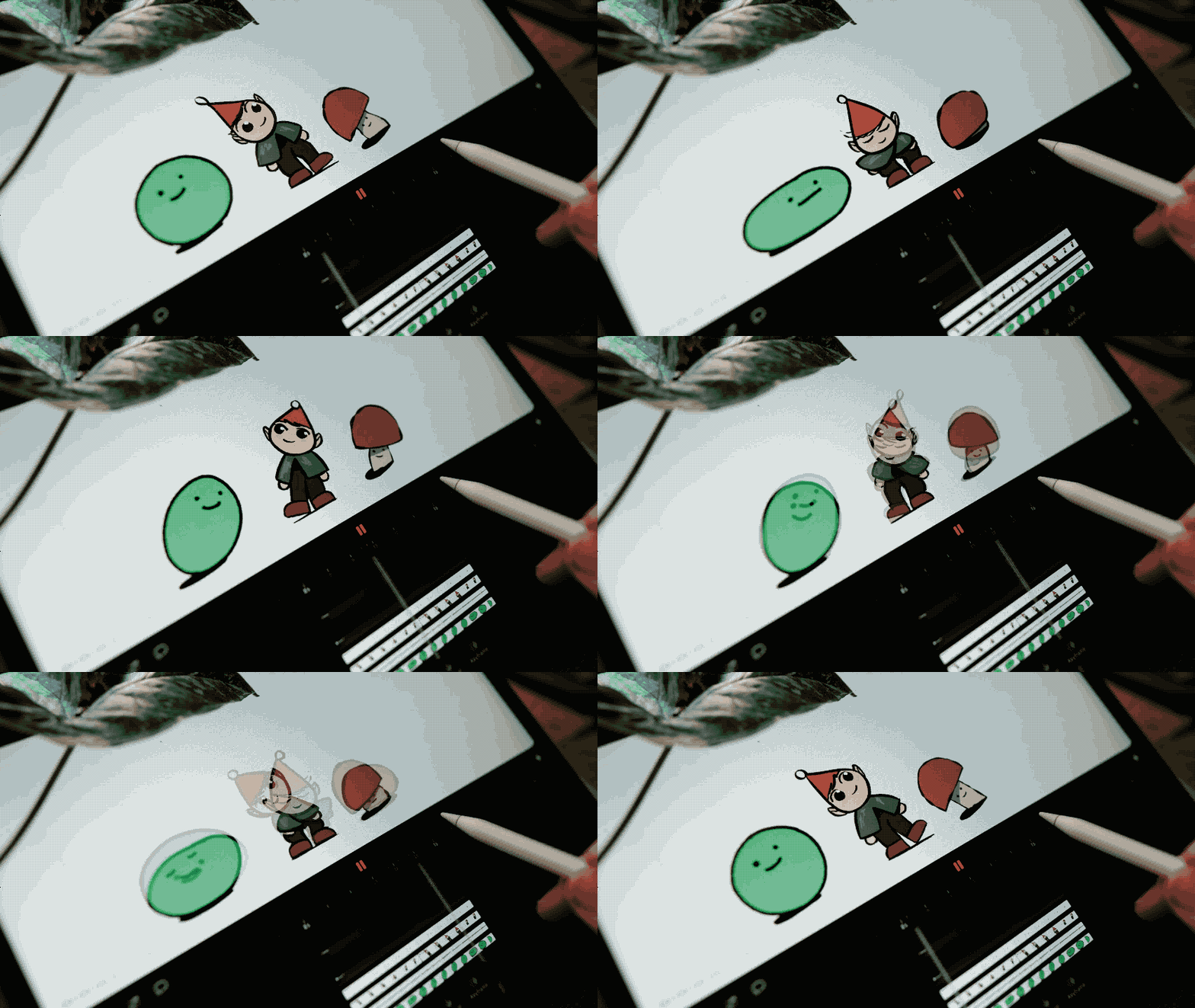
Learn the steps I use to make professional quality frame by frame animation in Procreate Dreams. I'll dig deep into the details of each part of the process to help you build your own personal workflow.

Perfect for all skill levels.
In each project I demonstrate with a range of different styles so that no matter your drawing experience you’ll feel confident following along.
Enroll Now
Lifetime access:
Signing up now grants you lifetime access to:
Deep dive classes, consisting of 25+ bite sized lessons where you’ll learn all the most interesting features of Procreate Dreams.
My full 2D workflow for creating finished professional level work on an iPad. This includes colour, clean up, camera moves and post production.
Downloadable Procreate Files.
Downloadable Procreate Dreams Files
An Exclusive Custom Brush Pack
Future updates to the course.
What You'll Learn
Our approach encourages reflection as much as action. You’ll walk away not only with new techniques, but with a deeper understanding of how and why they work. The goal is to leave you with ideas and skills that feel clear, useful, and genuinely meaningful in your life.
Chapter 1Your first Animation
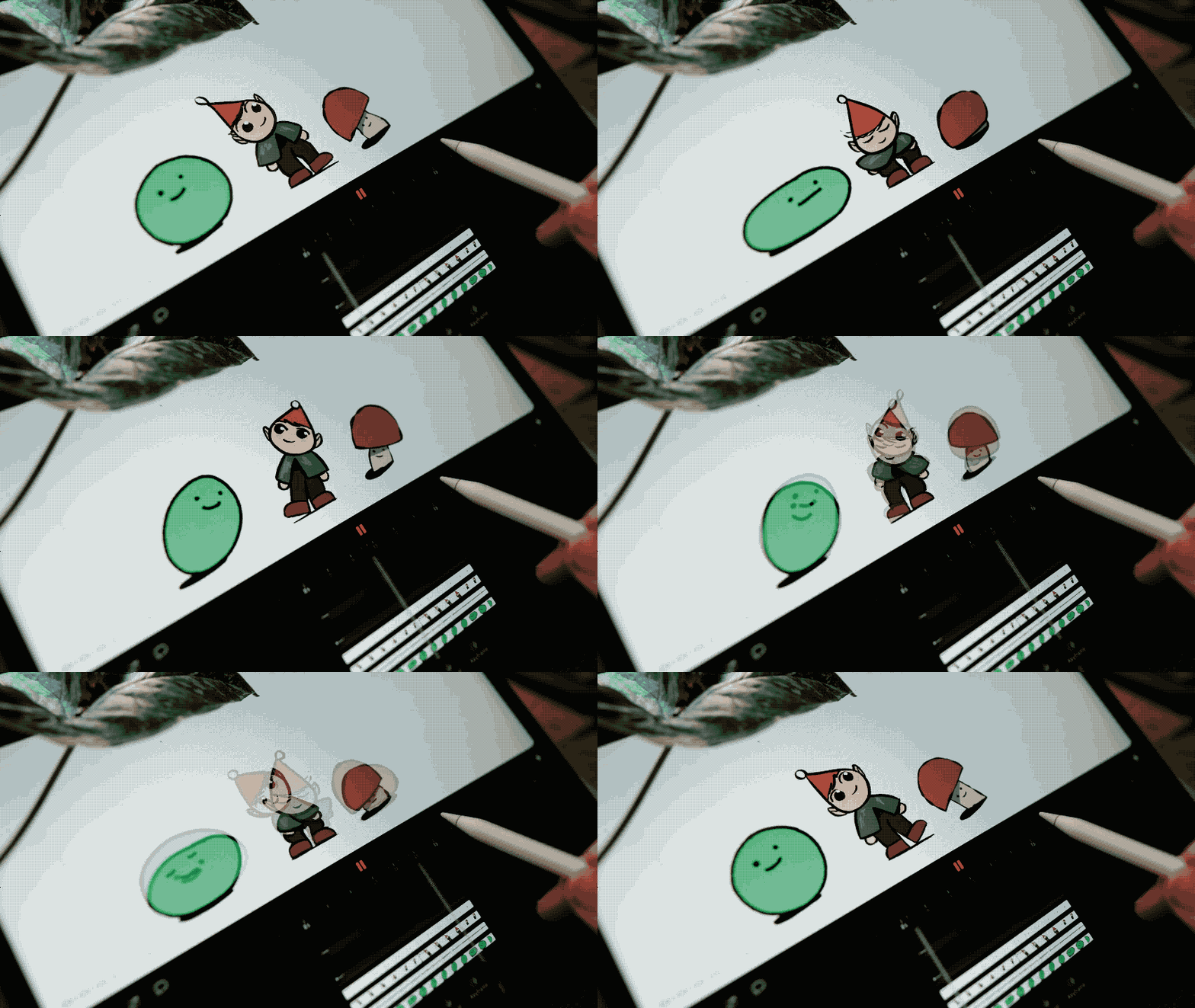
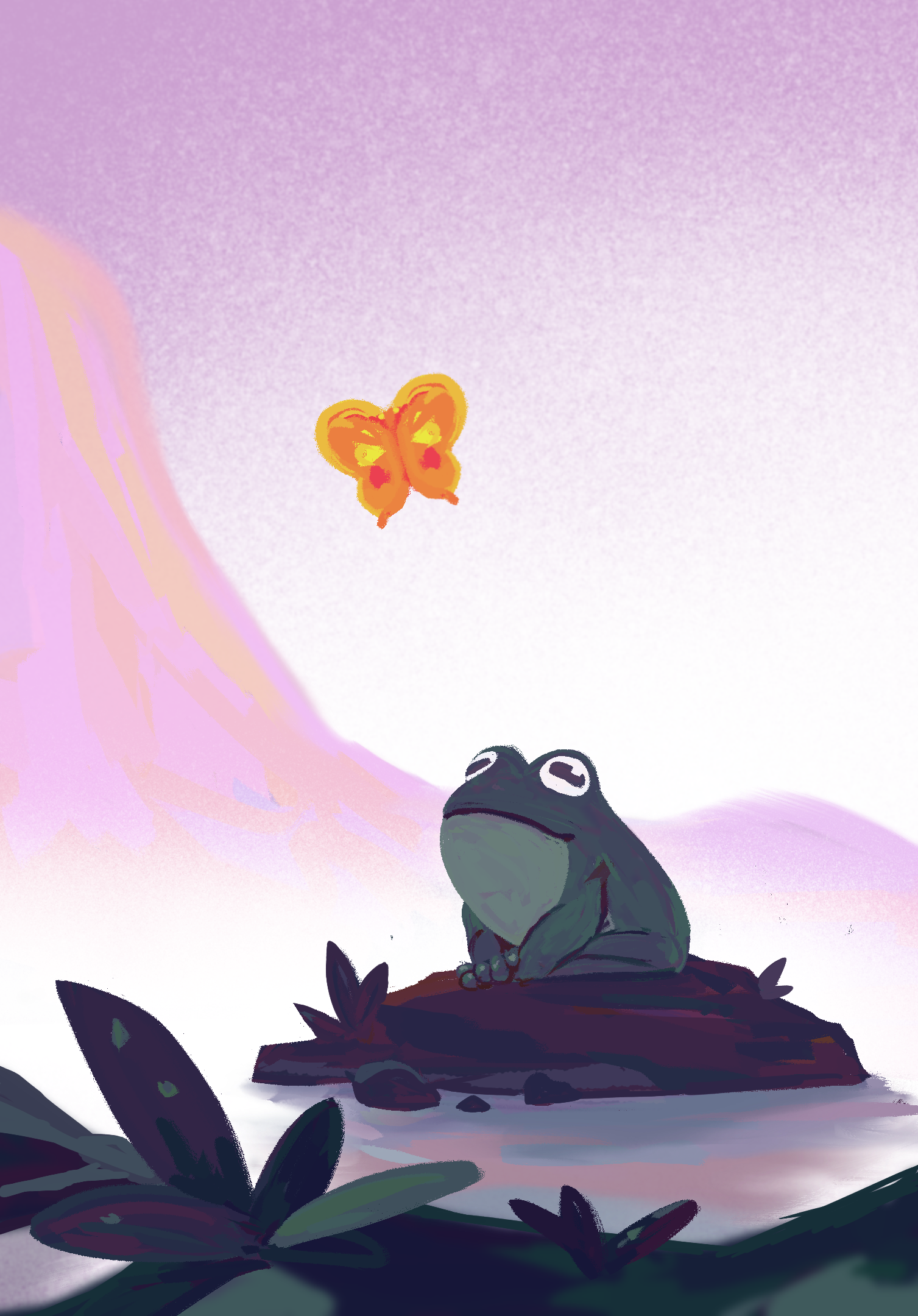
Bring a character to life within the first 10 minutes! Then spend the remainder of the chapter layering detail and nuance to the scene by exploring the 3 main modes of working in Procreate Dreams- Flip Book mode, Performance Mode and Keyframe Mode.

Chapter 2Mastering Masks
Learn tools for organizing ideas, setting goals, and building consistent schedules. From brainstorming to publishing, this course helps turn scattered thoughts into a cohesive plan.

Chapter 3Hand Drawn Animation Deep Dive
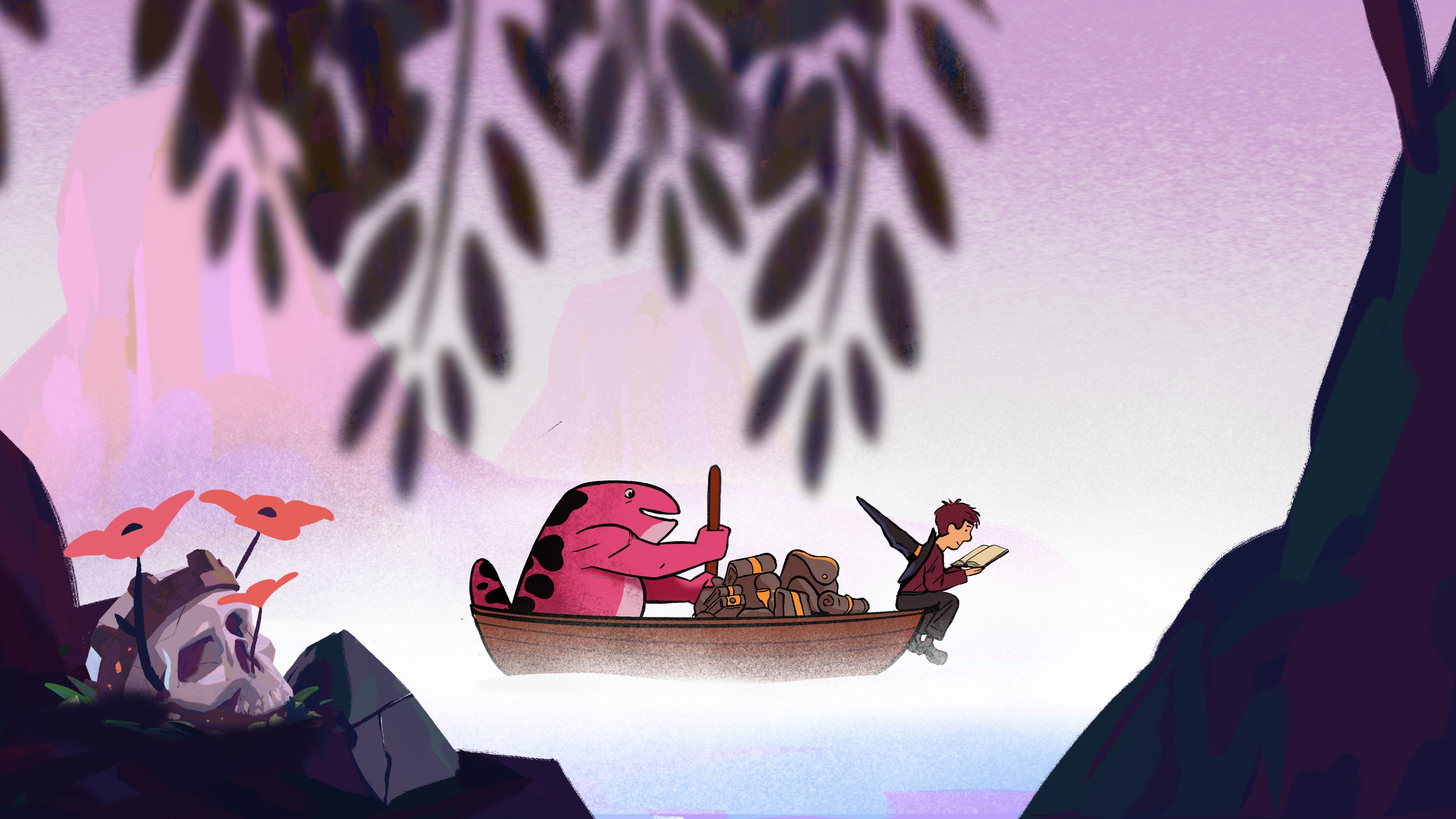
Learn the full professional hand drawn animation workflow we use in professional productions. I’ll show you every step that goes into making high quality 2D animation in Procreate Drea
Turn Illustrations into Cinematic Animation
Learn the full professional hand drawn animation workflow we use in professional productions. I’ll show you every step that goes into making high quality 2D animation in Procreate Drea
Chapter 4Advanced Lighting
Learn the full professional hand drawn animation workflow we use in professional productions. I’ll show you every step that goes into making high quality 2D animation in Procreate Drea
Chapter 5The 3D Effect
Learn the full professional hand drawn animation workflow we use in professional productions. I’ll show you every step that goes into making high quality 2D animation in Procreate Drea
Chapter 6Camera Move Masterclass
Learn the fundamentals of camera moves within animation and then work with me as we create a story telling camera move.
Chapter 7What Students Are Saying…

“Alex teaches you everything you need to know about using the software but even more valuable in this course is learning solid animation skills and practices from an industry veteran. Every lesson is packed the useful insights with no time wasted. It’s amazing to learn from such a fantastic animator and teacher.”

Sophia Hutter @studio_umi
“Alex's course totally impressed me. I not only learned all the cool tricks about Procreate Dreams but also gained a great insight into 2D animation. Alex knows exactly what he's doing, and I recommend the course to anyone looking to start with Procreate Dreams.”

Hi! I’m Alex Grigg.
I’m an animator and director with over 15 years experience in the Animation Industry. I've directed work for clients like Apple, Samsung, Cartoon Network and recently I wrapped up one of my favourite jobs ever, Animation Director at Procreate for the launch of Procreate Dreams. I can't wait to share all the tips and tricks I've learned along the way.

What’s included?
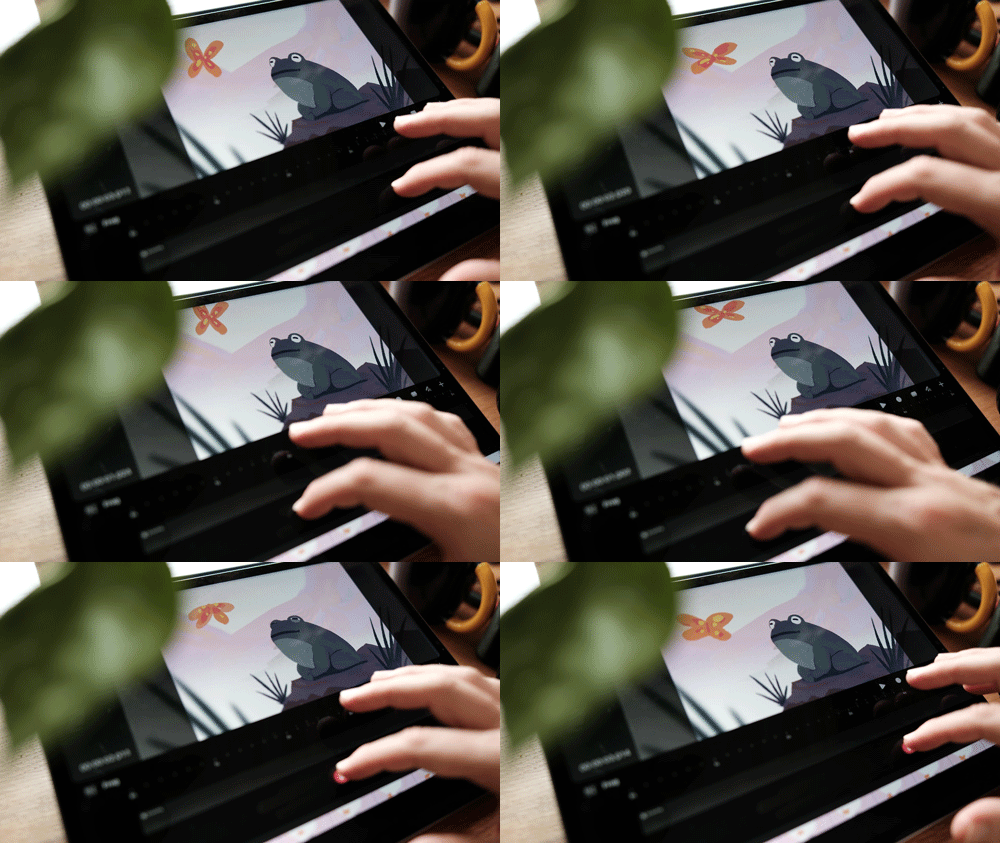
This is the course I wish I had when I started learning Procreate Dreams. Each class focuses on animation an project that you can make along side me. These projects introduce you to the most powerful tools in Procreate Dreams as well as my thought process for approaching real world animation challenges.
This is a onetime purchase with lifetime access.
-
Over the course of 7 Class Modules I’ll take you from complete beginner to master of the Procreate Dreams. I’ve focused on what I think are the most powerful and practical tools that Dreams has to offer and created fun projects that will help you understand them.
-
This course lets you learn at your own speed. I’ve broken things down into 30+ bite sized lessons that you can binge all at once or enjoy at a leisurely pace.
-
I’ve included all of my design and animation files so that you can see exactly how they work and even use them as a starting point for your own projects.
-
Five custom Procreate brushes that I created to give my background paintings beautifully textured look.
-
Join fellow students in our private community. You’ll never feel alone when you’re studying
FAQs
-
Mastering Procreate Dreams is designed for both complete beginners and seasoned professionals. There is something for everyone here. If you're just starting out in animation, the course will have space for you to grow as you become more confident. If you're comfortable with the animation process already you'll discover my ways of doing familiar things in this totally new app.
-
All the Mastering procreate dreams is possible to complete without knowledge of the original Procreate. Procreate does currently have more powerful drawing tools so I rely on it do design my backgrounds and characters.
-
No, not at all. Any Ipad that can run Proreate Dreams will work perfectly. There are limitations on resolution and track numbers which may limit the complexity of your projects in some cases though. I have tested each project with an iPad Air from 2020, which is one of the earliest iPads that supports both Procreate Dreams and an Apple Pencil. Please check the compatibility list on Procreate's website if you have any concerns.
Free Updates, Unlimited Access,
Free Updates, Unlimited Access,

Procreate Dreams is so new and the development team is so engaged in community feedback we can guarantee that there'll be regular updates to the app in the coming year. I'll be sure to keep you all abreast of these latest developments with new lessons and community posts.